 Blog2Vid
Turn your posts into video, without losing your images.
Paste a blog URL — or any page with static text and images — and Blog2Vid builds a narrated video from it, keeping your real images and screenshots as the visuals, not stock footage or AI-generated stand-ins. Add a talking-head presenter if you want one, full-screen or picture-in-picture. Edit every scene before anything renders.
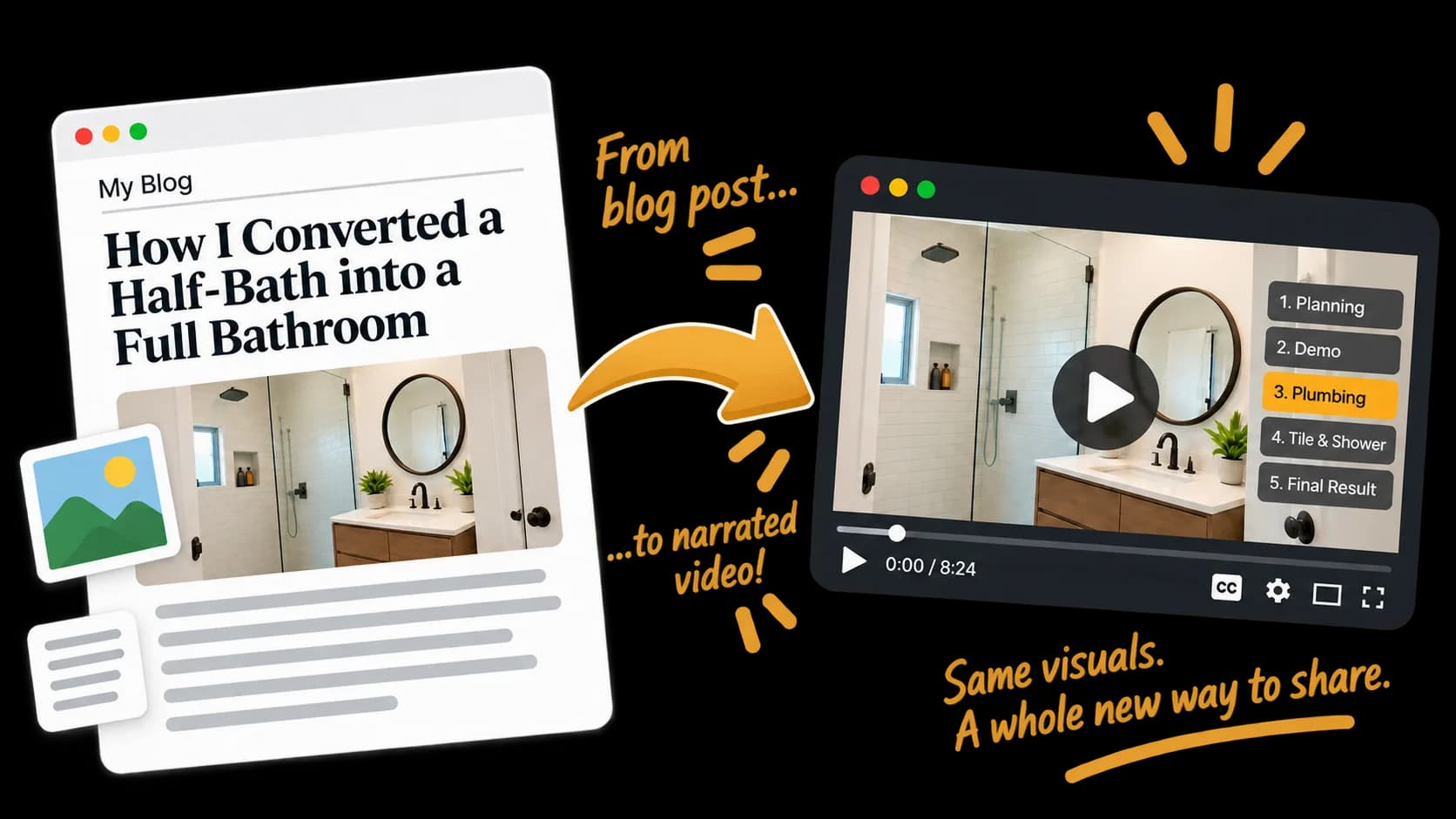
A few examples of what Blog2Vid builds.
Each video below started as a blog post URL. The images in the video are pulled straight from the post — screenshots, photos, diagrams — not stock footage.
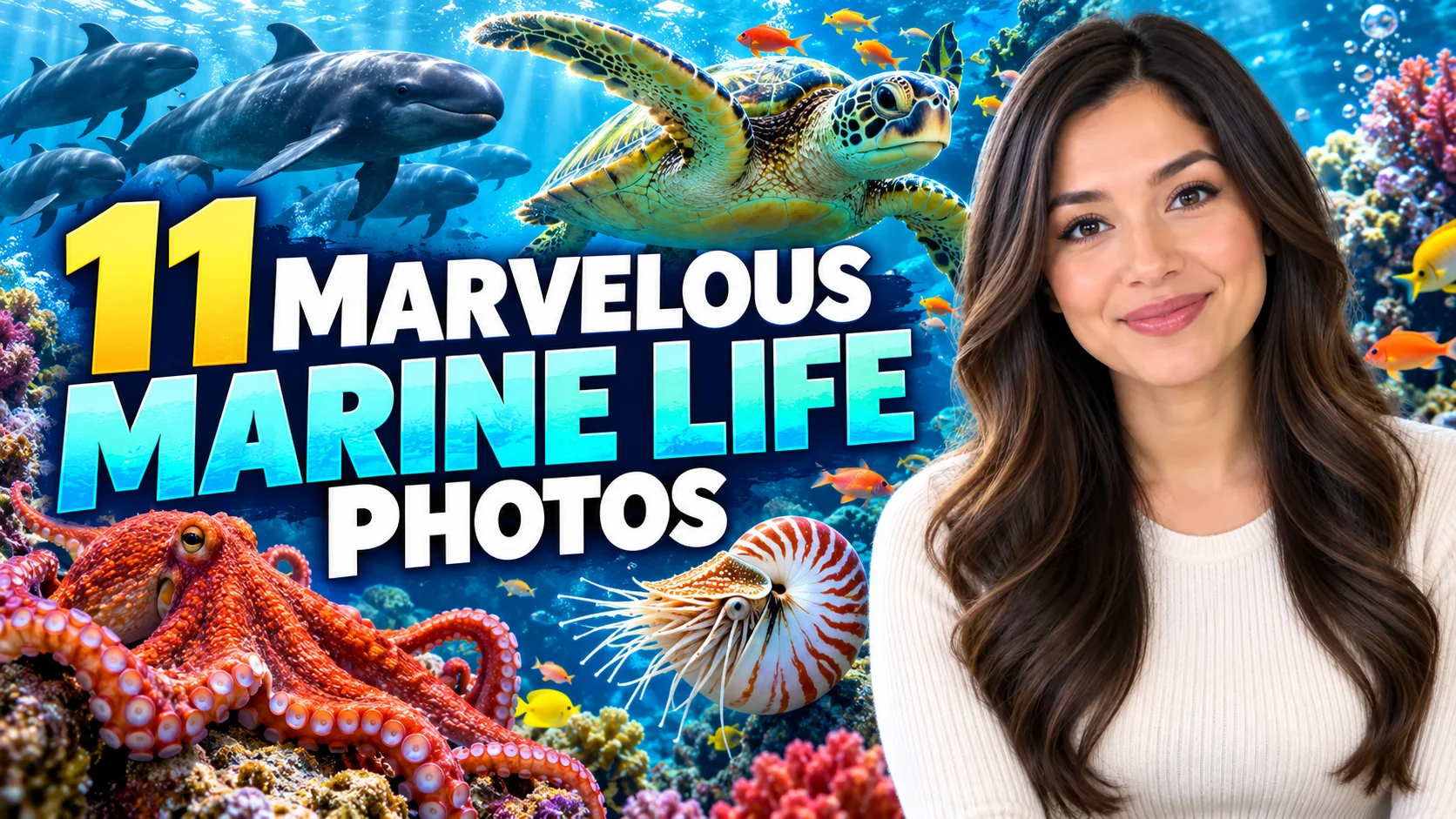
Designed around how blogs actually get made.
A blog post's images are usually the whole point — the before-and-after images, the product screenshot, the diagram. Blog2Vid treats them as the video's real footage, not placeholders to swap out.
Never replaced
Your images and screenshots stay exactly where they appear in the post. No stock footage, no AI-generated stand-ins — replace a scene's image with your own upload if you want something different, right in the storyboard editor.
Optional, and per scene
Choose no presenter, a full-screen talking head, or a picture-in-picture presenter — scene by scene, not locked to one choice for the whole video.
Turn your next post into a video.
Paste a link, review the storyboard, and generate — your images stay yours the whole way through.